

Remote Computer Support in Nashville, TN
Many fixes do not need a visit. Book a remote session, and at the scheduled time a Deskside technician connects to your screen while you watch every step. You start the session, you see everything we do, and access ends when the remote session ends.
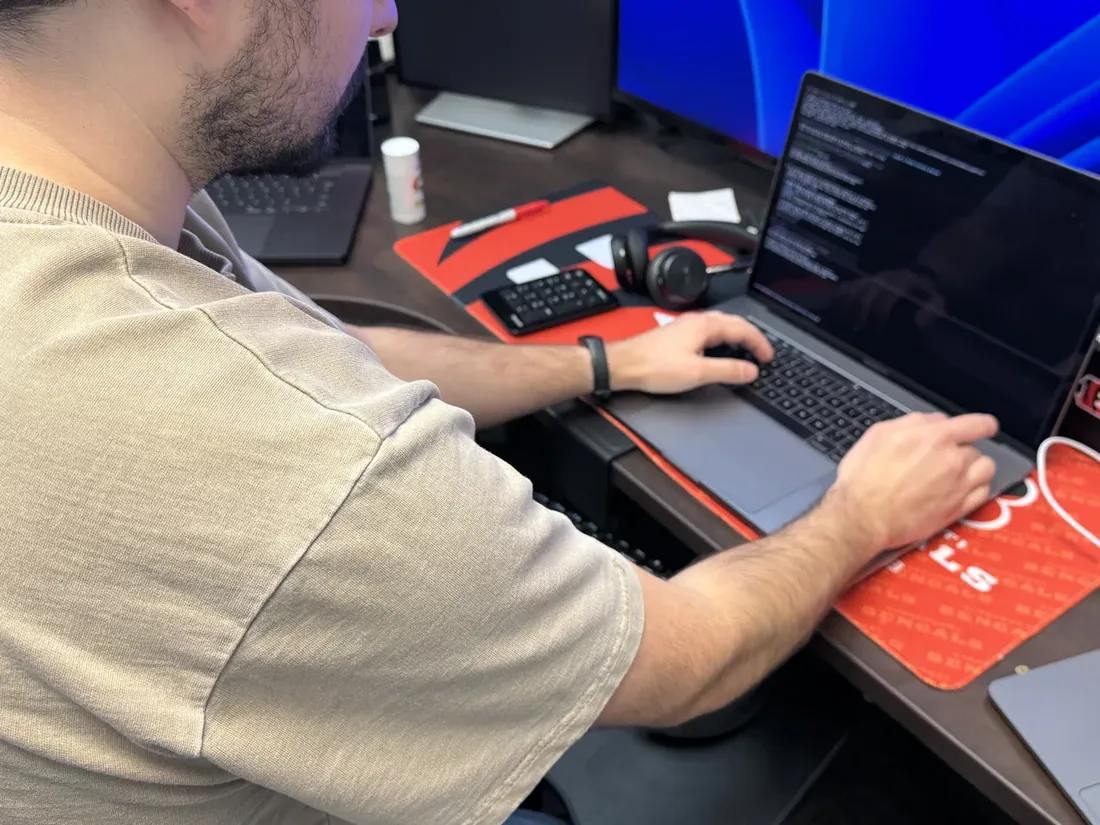
How a remote session works
A Deskside remote session starts with a request from you. After we confirm the appointment, we call and you read us a one-time code from your screen to approve the connection. You can watch our work and end the connection with one click. Our access ends with the session. We do not ask for passwords, gift cards or bank logins.
Remote sessions work well for tune ups, email and printer trouble, unwanted pop-ups, settings and everyday questions. If the problem needs work on the hardware, we explain why and help you request a Repair & Restore visit instead.
Care Plan enrollment is currently paused, so ongoing support is not available as a monthly plan.
Great fits for remote
- Tune ups and startup cleanup
- Email, browser, and printer trouble
- Suspicious popups and unwanted programs
- Settings and update confusion
- Everyday questions, taught patiently
Related guides
Plain-English explanations you are welcome to read before booking anything.
iPhone and iPad Help From Family
Set up safer family help with screen sharing, recovery contacts, larger text, emergency details, and clear privacy boundaries.
Read guideWhat Legitimate Remote Support Looks Like
Learn the safety signals of legitimate remote support, from a request you initiate to clear consent, scope, payment, and disconnect.
Read guideRemote support FAQs
How is this different from the scam remote access calls?
Direction and consent. Scammers call you and pressure you to install things. With Deskside, you booked the appointment, you start the session, you watch the screen the whole time, and access ends when the remote session ends. If anyone calls you first claiming to be tech support, hang up and call us.
What do I need on my end?
A working internet connection and the ability to open a web page. We walk you through the rest on the phone, at your pace.
What if remote cannot fix it?
Then we say so plainly. Hardware problems and machines that will not start need hands on the device, and we will help you book a Repair & Restore visit. Every session is covered by the same guarantee: Fixed, or your money back.
Do I need to live in Nashville?
No. Remote sessions are available anywhere in the U.S. Our home visits cover Middle Tennessee.
You stay in control the whole time.
You request a time
Send a service request or call us. We confirm scope, availability, and the written quote before scheduling. We never call out of the blue, so a surprise "tech support" call is never from us.
We connect securely
At the appointment time we call you. You start the session with a one time code from your screen and watch everything we do.
End the remote session
You get a written summary of what changed. Our access ends when the session does, backed by Fixed, or your money back.